pyvista.PolyData#
- class PolyData(*args, **kwargs)[ソース]#
表面形状(頂点,線,ポリゴンなど)で構成されるデータセット.
The surface geometry is defined by its
pointsand four separate cell connectivity arrays:vertsfor 0-dimensionalVERTEXandPOLY_VERTEXcells.stripsfor 2-dimensionalTRIANGLE_STRIPcells.
Cell types can be mixed, and any combination of cell connectivity array(s) may be specified.
PolyDatacan be initialized in several ways:空のメッシュを作成する
vtkPolyData から初期化する
Using points only
Using points with verts, faces, lines, and/or strips
ファイルから
If a points array is provided with no cell connectivity, the
vertsconnectivity is populated by default, and each point is automatically associated with a singleVERTEXto create a point cloud wheren_vertsequalsn_points.バージョン 0.44.0 で非推奨: パラメーター
n_faces,n_lines,n_strips, およびn_vertsは非推奨であり,もはや使用されていません.これらは以前,対応するセル配列の構築を高速化するために使用されていましたが,もはや何の利益も提供しません.- パラメータ:
- var_inpvtkPolyData,
str, sequence,optional フレキシブル入力タイプ. vtkPolyData を指定できます.この場合,このPolyDataオブジェクトは
deep=Trueの場合はコピーされ,deep=Falseの場合はシャローコピーになります.'my_mesh.stl'のようなローカルパスや,'/tmp/my_mesh.ply'や'C:/Users/user/my_mesh.ply'のようなグローバルパスも受け入れます.そうでなければ,これは1つ以上の点を含むポイント配列またはリストでなければなりません.各点は3つの次元を持たなければなりません。
faces,lines,strips,およびvertsがすべてNoneである場合,PolyDataオブジェクトはpointsの数とn_vertsが同じ数の頂点セルで作成されます.- faces
CellArrayLike,optional Connectivity of polygonal
faces. Can be either a padded connectivity array or an explicit cell array object.パディングされた配列形式では,面には面内の点の数を示すパディングが含まれている必要があります.たとえば,
[10, 11, 12]と[20, 21, 22, 23]の2つのフェースは[3, 10, 11, 12, 4, 20, 21, 22, 23]として表されます.これにより,フェースごとに任意の数のポイントを持つことができます.- n_faces
int,optional 非推奨.使用されません.
- lines
CellArrayLike,optional Connectivity of
lines. Likefaces, this can be either a padded connectivity array or an explicit cell array object. The padded array format requires padding indicating the number of points in a line segment. For example, the two line segments[0, 1]and[1, 2, 3, 4]will be represented as[2, 0, 1, 4, 1, 2, 3, 4].- n_lines
int,optional 非推奨.使用されません.
- strips
CellArrayLikeoptional Connectivity of triangle
strips. Triangle strips require an initial triangle, and the following points of the strip. Each triangle is built with the new point and the two previous points.linesやfaces``と同様に,この接続性はパディングされた配列または明示的なセル配列オブジェクトとして指定することができます.パディングされた配列では,ポイントの数を示すパディングが必要です.例えば,10個のポイントインデックスの単一の三角形ストリップ ``[0, 1, 2, 3, 6, 7, 4, 5, 0, 1]は,10のパディングが必要であり,[10, 0, 1, 2, 3, 6, 7, 4, 5, 0, 1]として入力する必要があります.- n_strips
int,optional 非推奨.使用されません.
- deepbool,
optional 入力をコピーするか,コピーせずに入力からメッシュを作成するかを指定します.
deep=Trueを設定すると,メッシュに影響を与えずにメッシュの外部でオリジナルの配列を修正できます.デフォルトはFalseです.- force_ext
str,optional ファイルから初期化する場合,リーダーはファイルの拡張子ではなく,この拡張子を持っているかのように扱わせます.
- force_floatbool,
optional データ型が非浮動小数点型の場合に,そのデータ型を
float32にキャストします.デフォルトはTrueです.これをFalseに設定すると,非浮動小数点型を許容することになりますが,データセットを変換する際に,中間の浮動小数点数が切り捨てられる可能性があります.- verts
CellArrayLike,optional The
vertsconnectivity. Likefaces,lines, andstripsthis can be supplied as either a padded array or an explicit cell array object. In the padded array format, the padding indicates the number of vertices in each cell. For example,[1, 0, 1, 1, 1, 2]indicates three vertex cells each with one point, and[2, 0, 1, 2, 2, 3]indicates two polyvertex cells each with two points.- n_verts
int,optional 非推奨.使用されません.
- validatebool |
str| sequence[str], default:False Validate the mesh using
validate_mesh()after initialization. Set this toTrueto validate all fields, or specify any combination of fields allowed byvalidate_mesh.Added in version 0.47.
- var_inpvtkPolyData,
例
>>> import vtk
>>> import numpy as np
>>> from pyvista import examples
>>> import pyvista as pv
Seed random number generator for reproducible plots
>>> rng = np.random.default_rng(seed=0)
空のメッシュを作成する.
>>> mesh = pv.PolyData()
vtkPolyData オブジェクトから初期化します.
>>> vtkobj = vtk.vtkPolyData()
>>> mesh = pv.PolyData(vtkobj)
点から初期化し,頂点を作成します.
>>> points = np.array([[0, 0, 0], [1, 0, 0], [1, 0.5, 0], [0, 0.5, 0]])
>>> mesh = pv.PolyData(points)
点と面から初期化し,多角形の面を作成します.
>>> faces = np.hstack([[3, 0, 1, 2], [3, 0, 3, 2]])
>>> mesh = pv.PolyData(points, faces)
点と線から初期化します.
>>> lines = np.hstack([[2, 0, 1], [2, 1, 2]])
>>> mesh = pv.PolyData(points, lines=lines)
点とトライアングル ストリップから初期化します.
>>> strips = np.hstack([[4, 0, 1, 3, 2]])
>>> mesh = pv.PolyData(points, strips=strips)
また,複数のセルタイプで作成することも可能です.
>>> verts = [1, 0]
>>> lines = [2, 1, 2]
>>> mesh = pv.PolyData(points, verts=verts, lines=lines)
ファイル名から初期化.
>>> mesh = pv.PolyData(examples.antfile)
Construct a set of random line segments using a
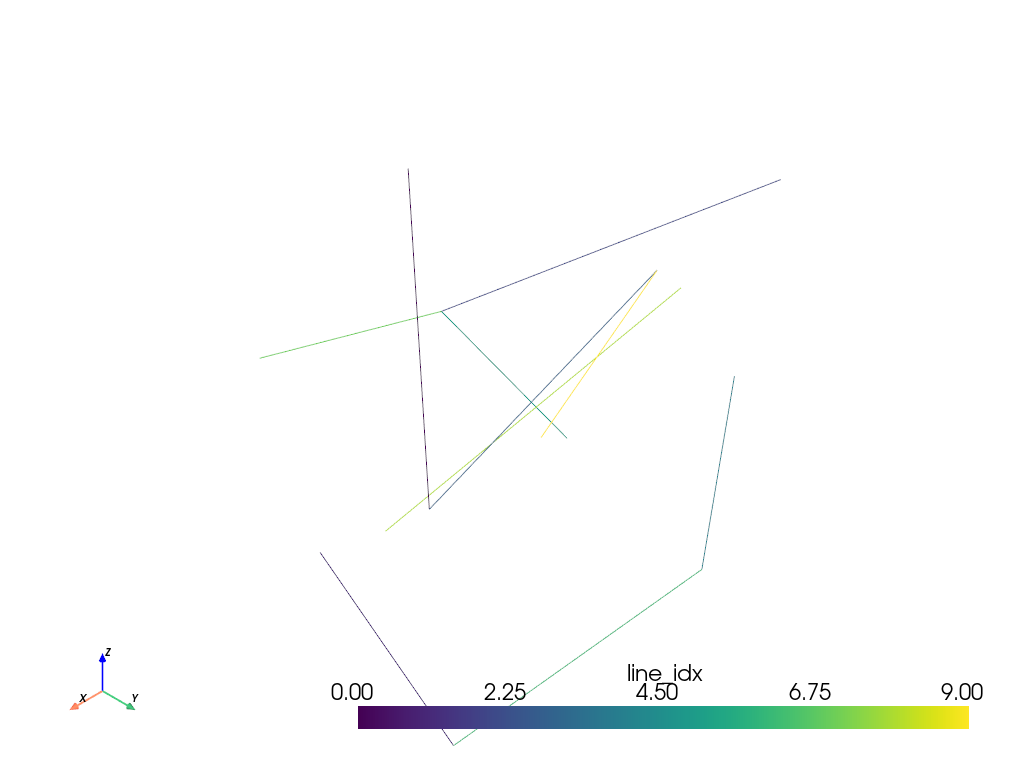
pv.CellArray. Because every line in this example has the same size, in this case two points, we can usepv.CellArray.from_regular_cellsto construct thelinescell array. This is the most efficient method to construct a cell array.>>> n_points = 20 >>> n_lines = n_points // 2 >>> points = rng.random((n_points, 3)) >>> lines = rng.integers(low=0, high=n_points, size=(n_lines, 2)) >>> mesh = pv.PolyData(points, lines=pv.CellArray.from_regular_cells(lines)) >>> mesh.cell_data['line_idx'] = np.arange(n_lines) >>> mesh.plot(scalars='line_idx')
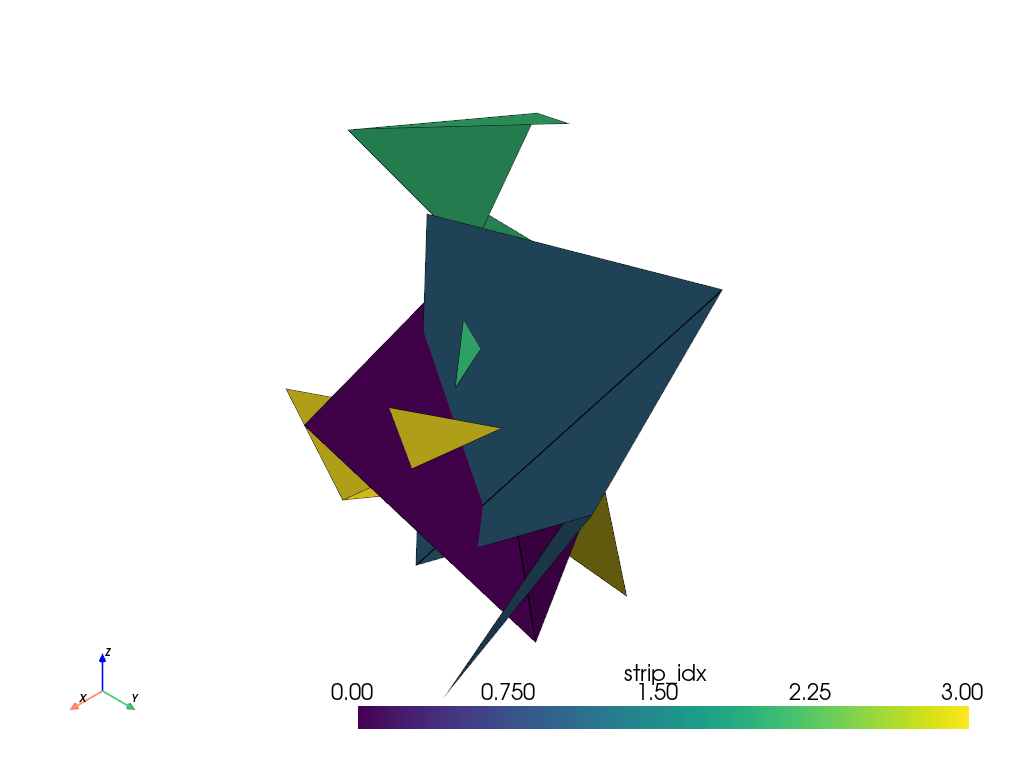
pv.CellArrayを使用してランダムな三角形ストリップのセットを作成します.この例では,各ストリップには異なる数のポイントがあるため,pv.CellArray.from_irregular_cellsを使用してstripsセル配列を構築します.>>> n_strips = 4 >>> n_verts_per_strip = rng.integers(low=3, high=7, size=n_strips) >>> n_points = 10 * sum(n_verts_per_strip) >>> points = rng.random((n_points, 3)) >>> strips = [ ... rng.integers(low=0, high=n_points, size=nv) for nv in n_verts_per_strip ... ] >>> mesh = pv.PolyData( ... points, strips=pv.CellArray.from_irregular_cells(strips) ... ) >>> mesh.cell_data['strip_idx'] = np.arange(n_strips) >>> mesh.plot(show_edges=True, scalars='strip_idx')
別のメッシュから
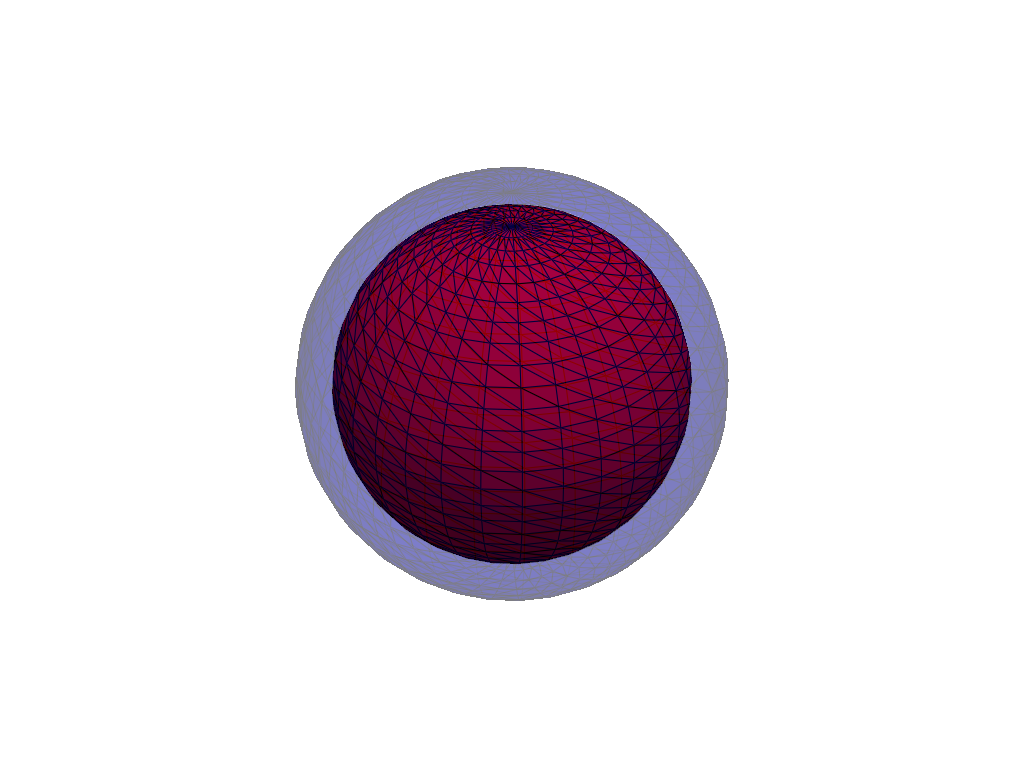
facesのpv.CellArrayを再利用してメッシュを構築します.VTKのメソッドGetPolys,GetLines,GetStrips, およびGetVertsは,それぞれfaces,lines,strips, およびvertsのプロパティの基礎となるCellArrayを返します.このようにセル配列を再利用することは,大きなメッシュのパフォーマンス最適化になります.新しい配列の割り当てを回避するためです.>>> small_sphere = pv.Sphere().compute_normals() >>> inflated_points = ( ... small_sphere.points + 0.1 * small_sphere.point_data['Normals'] ... ) >>> larger_sphere = pv.PolyData(inflated_points, faces=small_sphere.GetPolys()) >>> pl = pv.Plotter() >>> _ = pl.add_mesh(small_sphere, color='red', show_edges=True) >>> _ = pl.add_mesh(larger_sphere, color='blue', opacity=0.3, show_edges=True) >>> pl.show()
See PolyDataを作成 for more examples.
メソッド#
|
pyvista.PolyData の代替コンストラクタは,点配列と不規則的な面配列から構成されます. |
|
pyvista.PolyData の代替コンストラクタは,点配列と規則的な面配列から構成されます. |
|
サーフェスメッシュをディスクに書き込みます. |
グローバルな n_faces の厳格なオプトイン. |
アトリビュート#
セルの法線を返します. |
|
セルの法線を返します. |
|
Return the polygonal faces padded connectivity array. |
|
面状配列のタプルを返します. |
|
|
|
メッシュが多様である(オープンエッジがない)場合に返します. |
|
Return the lines connectivity array. |
|
セルの数を返します. |
|
多角形の面の数を返します. |
|
Return the number of line cells. |
|
このメッシュ上の開いたエッジの数を返します. |
|
Return the number of triangle strips. |
|
Return the number of vertex cells. |
|
polydataのobbTreeを返します. |
|
ポイント法線を返します. |
|
|
すべての面が同じ大きさである場合,点のインデックスの面配列を返します. |
Return or set the strips padded connectivity array. |
|
Return or set the vertex padded connectivity array. |
|
データセットのおおよその体積を返します. |