注釈
Go to the end をクリックすると完全なサンプルコードをダウンロードできます.
メッシュまたはプロット全体の消去#
This example demonstrates how to remove elements from a scene using
clear().
from __future__ import annotations

import pyvista as pv
pl = pv.Plotter()
actor = pl.add_mesh(pv.Sphere())
pl.remove_actor(actor)
pl.show()
プロットウィンドウ全体をクリアする:
pl = pv.Plotter()
pl.add_mesh(pv.Sphere())
pl.add_mesh(pv.Plane())
pl.clear()  # clears all actors
pl.show()
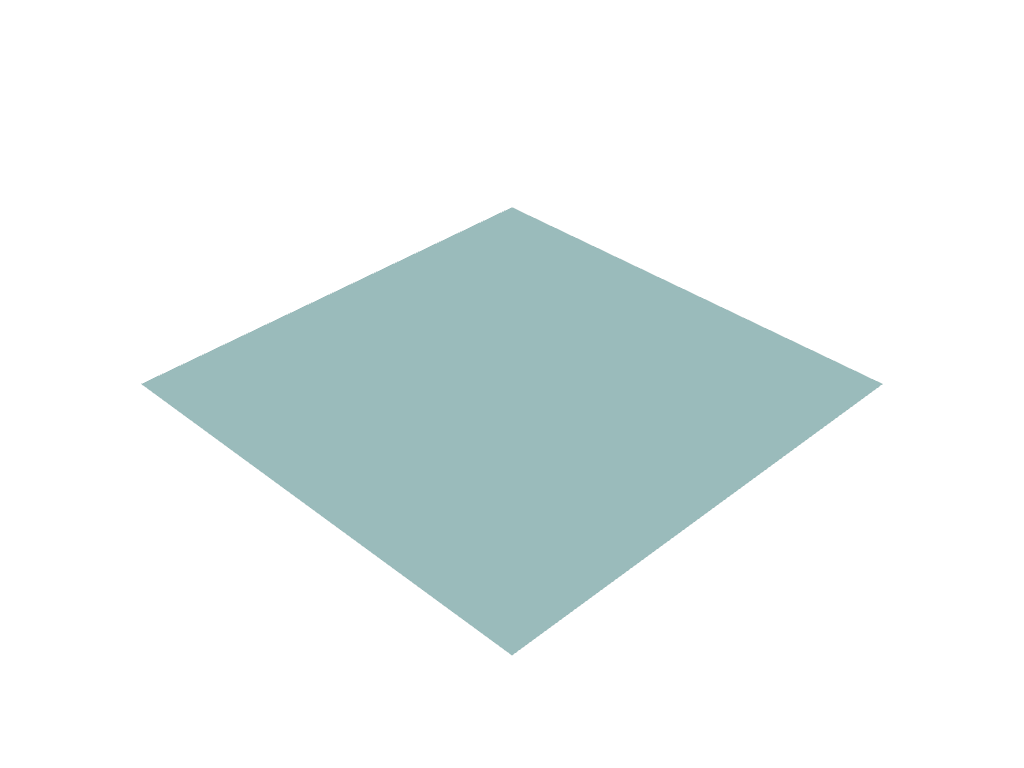
または,追加するときに任意のアクターに name を指定し,アクターが後で同じ名前で追加された場合に,前のアクターを置き換えます:
pl = pv.Plotter()
pl.add_mesh(pv.Sphere(), name='mymesh')
pl.add_mesh(pv.Plane(), name='mymesh')
# Only the Plane is shown.
pl.show()
Total running time of the script: (0 minutes 0.209 seconds)