pyvista.UnstructuredGrid#
- class UnstructuredGrid(*args, **kwargs)[ソース]#
データセットは,可能なすべてのセルタイプの任意の組み合わせに使用されます.
次の方法で初期化できます.
空のグリッドを作成する
From a vtkPolyData or vtkStructuredGrid object
セル,セルタイプ,ノード配列から
ファイルから
- パラメータ:
- args
str, vtkUnstructuredGrid, iterable 以下の例をご覧ください.
- deepbool, default:
False Whether to deep copy a vtkUnstructuredGrid object. Default is
False. Keyword only.- validatebool |
str| sequence[str], default:False Validate the mesh using
validate_mesh()after initialization. Set this toTrueto validate all fields, or specify any combination of fields allowed byvalidate_mesh.Added in version 0.47.
- args
例
>>> import pyvista as pv
>>> from pyvista import examples
>>> import vtk
空のグリッドを作成
>>> grid = pv.UnstructuredGrid()
Copy a vtkUnstructuredGrid
>>> vtkgrid = vtk.vtkUnstructuredGrid()
>>> grid = pv.UnstructuredGrid(vtkgrid)
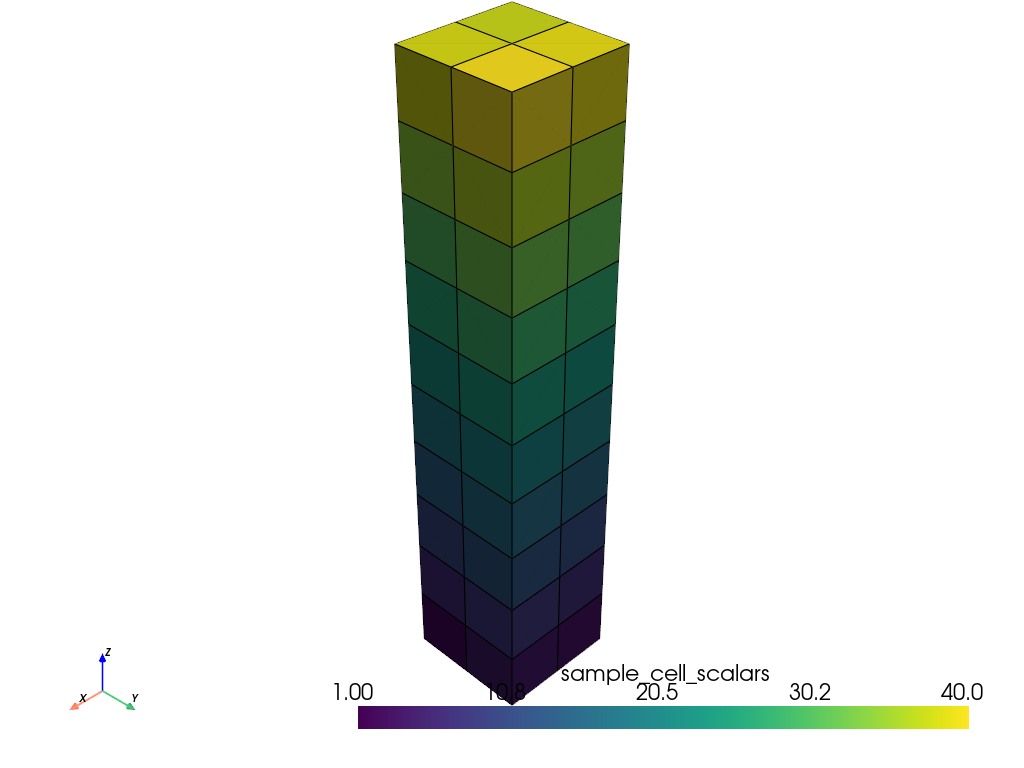
ファイル名から
>>> grid = pv.UnstructuredGrid(examples.hexbeamfile)
>>> grid.plot(show_edges=True)
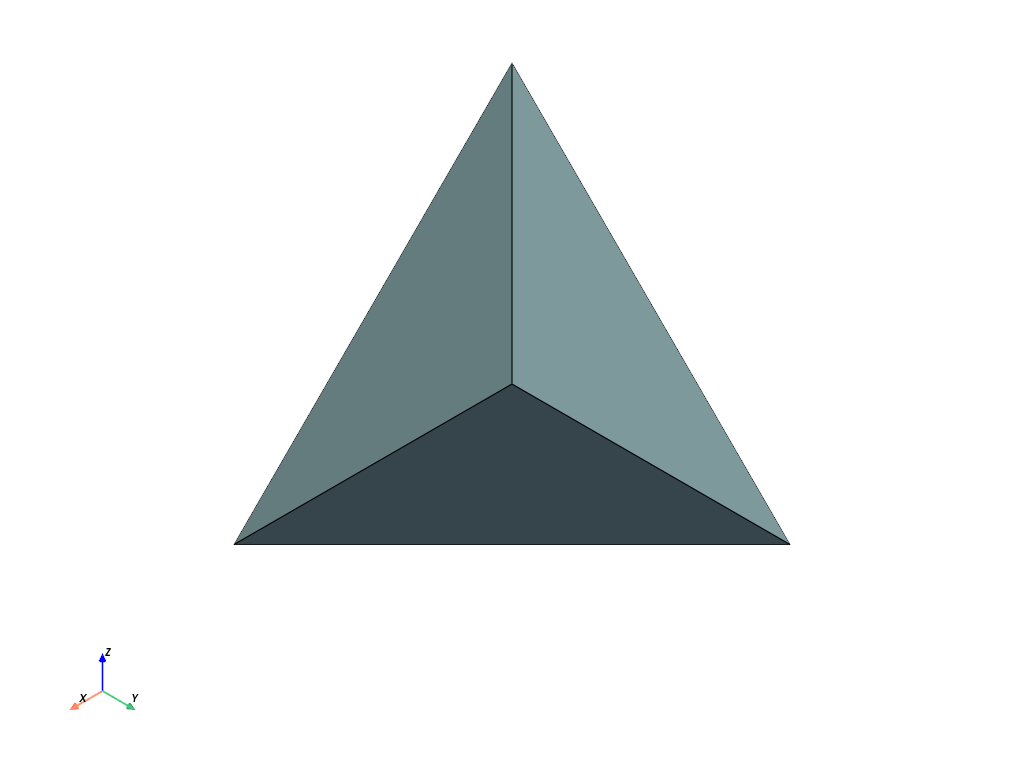
配列から.ここでは,1つの4面体を作成します.
>>> cells = [4, 0, 1, 2, 3]
>>> celltypes = [pv.CellType.TETRA]
>>> points = [
...     [1.0, 1.0, 1.0],
...     [1.0, -1.0, -1.0],
...     [-1.0, 1.0, -1.0],
...     [-1.0, -1.0, 1.0],
... ]
>>> grid = pv.UnstructuredGrid(cells, celltypes, points)
>>> grid.plot(show_edges=True)
See the 非構造化グリッドの作成 example for more details on creating unstructured grids within PyVista.
メソッド#
明示的に構造格子にキャストします. |
|
|
線形セルのみを含みます非構造格子のコピーを返します. |
アトリビュート#
Return the cell connectivity as a numpy array. |
|
セルデータをnumpyなオブジェクトとして返します. |
|
セルタイプからマップされたすべてのセルを含みますディクショナリを返します. |
|
セルタイプの配列を返します. |
|
Return polyhedron face locations. |
|
Return the polyhedron faces. |
|
セルの位置を示す配列を返します. |
|
Return the polyhedron face locations. |
|
Return the polyhedron faces. |