pyvista.Plotter.get_image_depth#
- Plotter.get_image_depth( ) pyvista_ndarray[ソース]#
現在のレンダーウィンドウを表すDepth画像を返します.
バージョン 0.47 で変更: The last image depth is no longer autoatically stored. You must enable
store_image_depth=TruewithinPlotter.show()to obtain the image depth after thepyvista.Plotterhas been closed.- パラメータ:
- 戻り値:
pyvista.pyvista_ndarrayイメージプレーンに直交するカメラからの深度値のイメージ.
備考
Values in
image_depthare negative to adhere to a right-handed coordinate system.例
>>> import pyvista as pv
>>> pl = pv.Plotter()
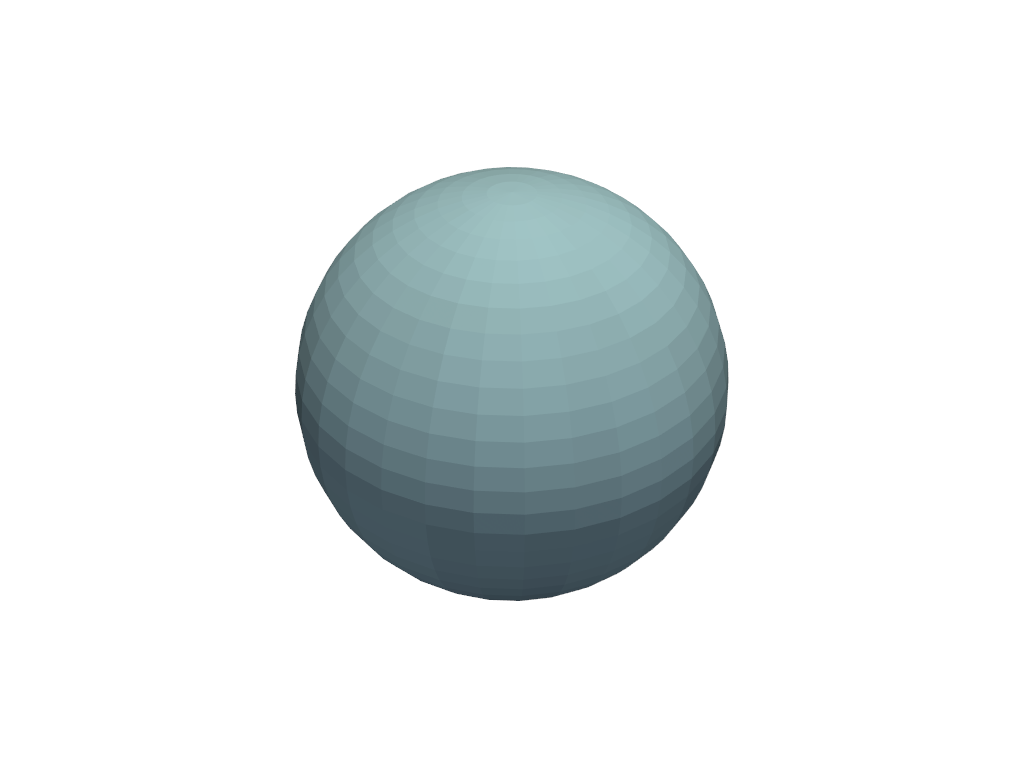
>>> actor = pl.add_mesh(pv.Sphere())
>>> pl.show(store_image_depth=True)
>>> zval = pl.get_image_depth()