pyvista.Box#
- Box(
- bounds: VectorLike[float] = (-1.0, 1.0, -1.0, 1.0, -1.0, 1.0),
- level: int | VectorLike[int] = 0,
- quads: bool = True,
指定した境界のソリッド面を持つボックスを作成します.
- パラメータ:
- boundssequence[
float], default: (-1.0, 1.0, -1.0, 1.0, -1.0, 1.0) Specify the bounding box of the cube.
(x_min, x_max, y_min, y_max, z_min, z_max).- level
int|VectorLike[int], default: 0 面の細分化レベル.
注釈
The algorithm is not optimized when a 3 length vector is given.
Added in version 0.47: Enable specifying different values for x, y and z directions.
- quadsbool, default:
True 4つのポイントのセットに対して4角形または2つの3角形のいずれかを生成するようにソースに指示するフラグ.
- boundssequence[
- 戻り値:
pyvista.PolyData箱のメッシュです.
例
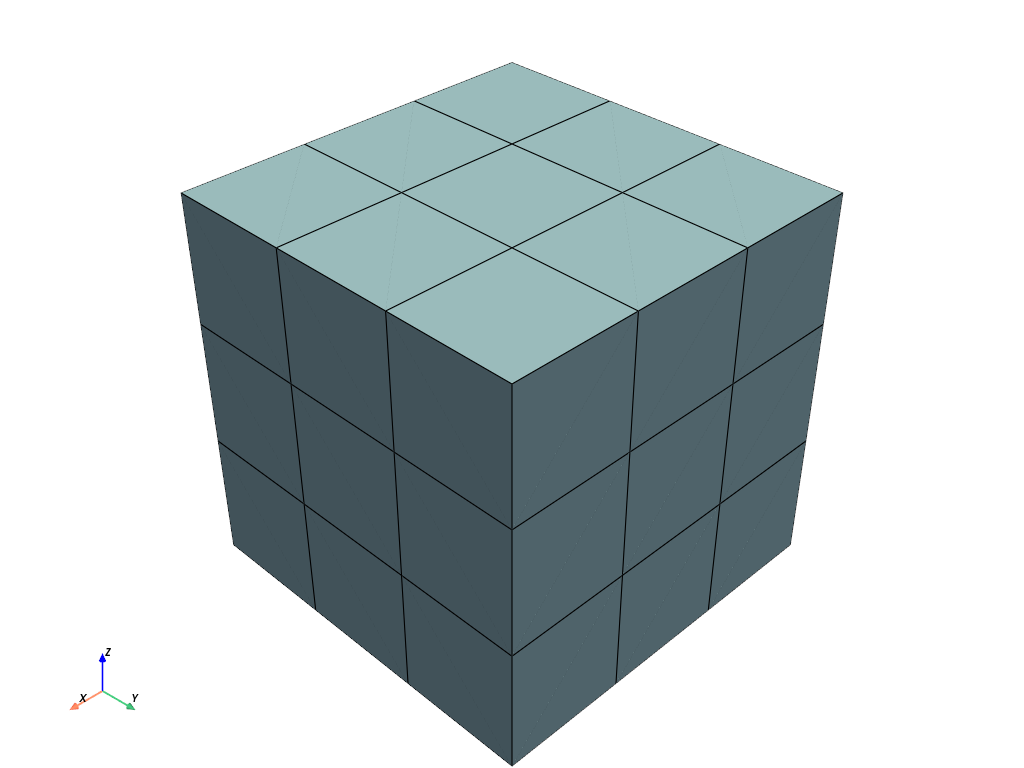
level=2のボックスを作成します.>>> import pyvista as pv >>> mesh = pv.Box(level=2) >>> mesh.plot(show_edges=True)
Set the level separately for each axis.
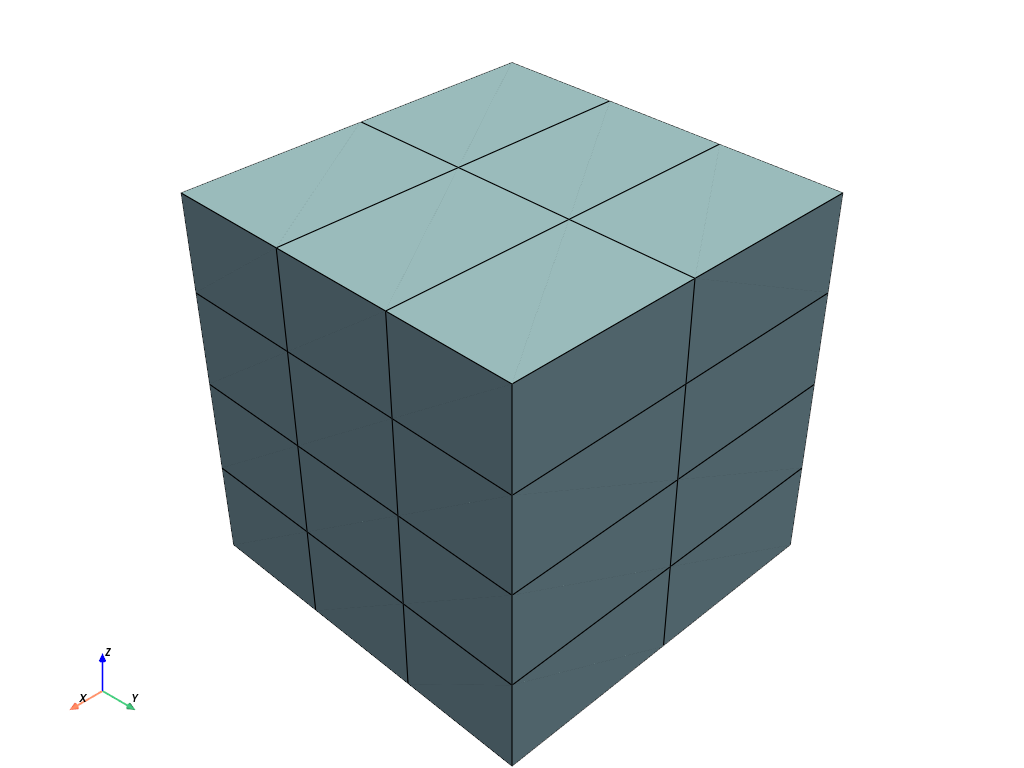
>>> mesh = pv.Box(level=[1, 2, 3])
>>> mesh.plot(show_edges=True)