CubeFacesSource#
- class CubeFacesSource(*args, **kwargs)[source]#
Generate the faces of a cube.
This source generates a
MultiBlockwith the sixPolyDatacomprising the faces of a cube.The faces may be shrunk or exploded to create equal-sized gaps or intersections between the faces. Additionally, the faces may be converted to frames with a constant-width border.
Added in version 0.45.0.
- Parameters:
- center
VectorLike[float], default: (0.0, 0.0, 0.0) Center in
[x, y, z].- x_length
float, default: 1.0 Length of the cube in the x-direction.
- y_length
float, default: 1.0 Length of the cube in the y-direction.
- z_length
float, default: 1.0 Length of the cube in the z-direction.
- boundssequence[
float],optional Specify the bounding box of the cube. If given, all other size arguments are ignored.
(x_min, x_max, y_min, y_max, z_min, z_max).- frame_width
float,optional Convert the faces into frames with the specified width. If set, the center portion of each face is removed and the output faces will each have four quad cells (one for each side of the frame) instead of a single quad cell. Values must be between
0.0(minimal frame) and1.0(large frame). The frame is scaled to ensure it has a constant width.- shrink_factor
float,optional Shrink or grow the cube’s faces. If set, this is the factor by which to shrink or grow each face. The amount of shrinking or growth is relative to the smallest edge length of the cube, and all sides of the faces are shrunk by the same (constant) value.
Note
A value of
1.0has no effect.Values between
0.0and1.0will shrink the faces.Values greater than
1.0will grow the faces.
This has a similar effect to using
shrink().- explode_factor
float,optional Push the faces away from (or pull them toward) the cube’s center. If set, this is the factor by which to move each face. The magnitude of the move is relative to the smallest edge length of the cube, and all faces are moved by the same (constant) amount.
Note
A value of
0.0has no effect.Increasing positive values will push the faces farther away (explode).
Decreasing negative values will pull the faces closer together (implode).
This has a similar effect to using
explode().- namessequence[
str], default: (‘+X’,’-X’,’+Y’,’-Y’,’+Z’,’-Z’) Name of each face in the generated
MultiBlock.- points_dtype
str,optional Set the desired output point types. It must be either ‘float32’ or ‘float64’. Ignored unless
pyvista.core.config.Config.points_dtypeisNone, its default, or'preserve'.Added in version 0.49.
- point_dtype
str,optional Set the desired output point types.
Deprecated since version 0.49: Renamed to
points_dtype, matchingpyvista.core.config.Config.points_dtype.
- center
Examples#
Download Python source code | Download Jupyter notebook
Generate the default faces of a cube.
>>> import pyvista as pv
>>> from pyvista import examples
>>> cube_faces_source = pv.CubeFacesSource()
>>> output = cube_faces_source.output
>>> output.plot(show_edges=True, line_width=10)
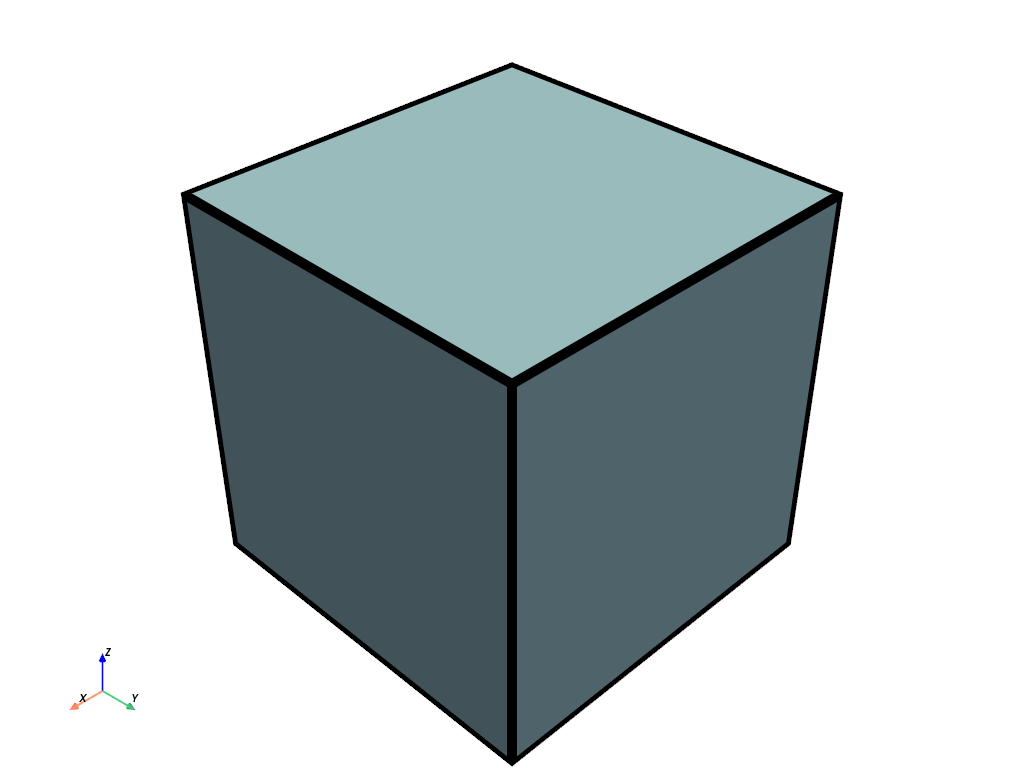
The output is similar to that of CubeSource except it’s a
MultiBlock.
>>> output
MultiBlock (...)
  N Blocks:   6
  X Bounds:   -5.000e-01, 5.000e-01
  Y Bounds:   -5.000e-01, 5.000e-01
  Z Bounds:   -5.000e-01, 5.000e-01
>>> cube_source = pv.CubeSource()
>>> cube_source.output
PolyData (...)
  N Cells:    6
  N Points:   24
  N Strips:   0
  X Bounds:   -5.000e-01, 5.000e-01
  Y Bounds:   -5.000e-01, 5.000e-01
  Z Bounds:   -5.000e-01, 5.000e-01
  N Arrays:   2
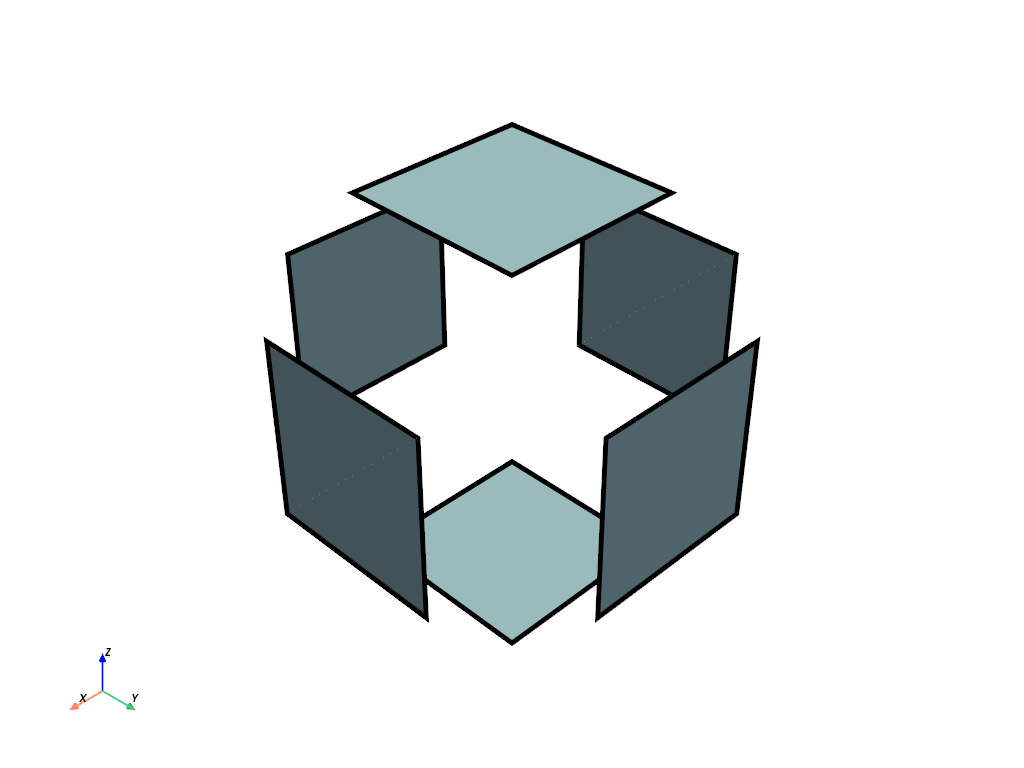
Use explode_factor to explode the faces.
>>> cube_faces_source.explode_factor = 0.5
>>> cube_faces_source.update()
>>> output.plot(show_edges=True, line_width=10)
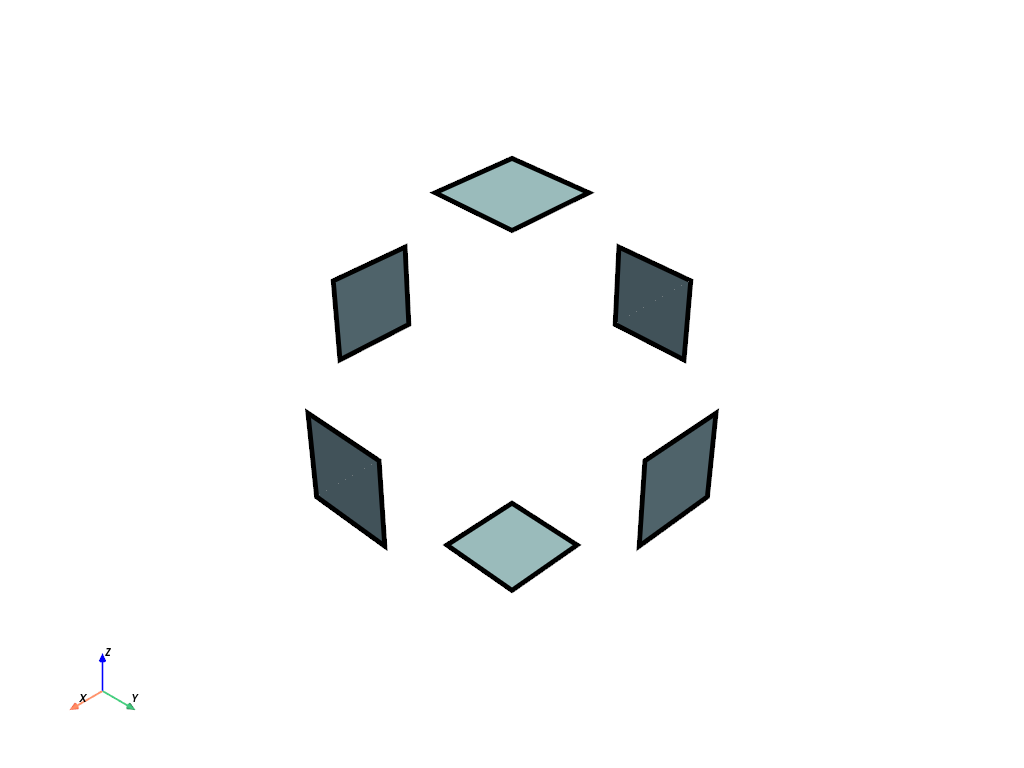
Use shrink_factor to also shrink the faces.
>>> cube_faces_source.shrink_factor = 0.5
>>> cube_faces_source.update()
>>> output.plot(show_edges=True, line_width=10)
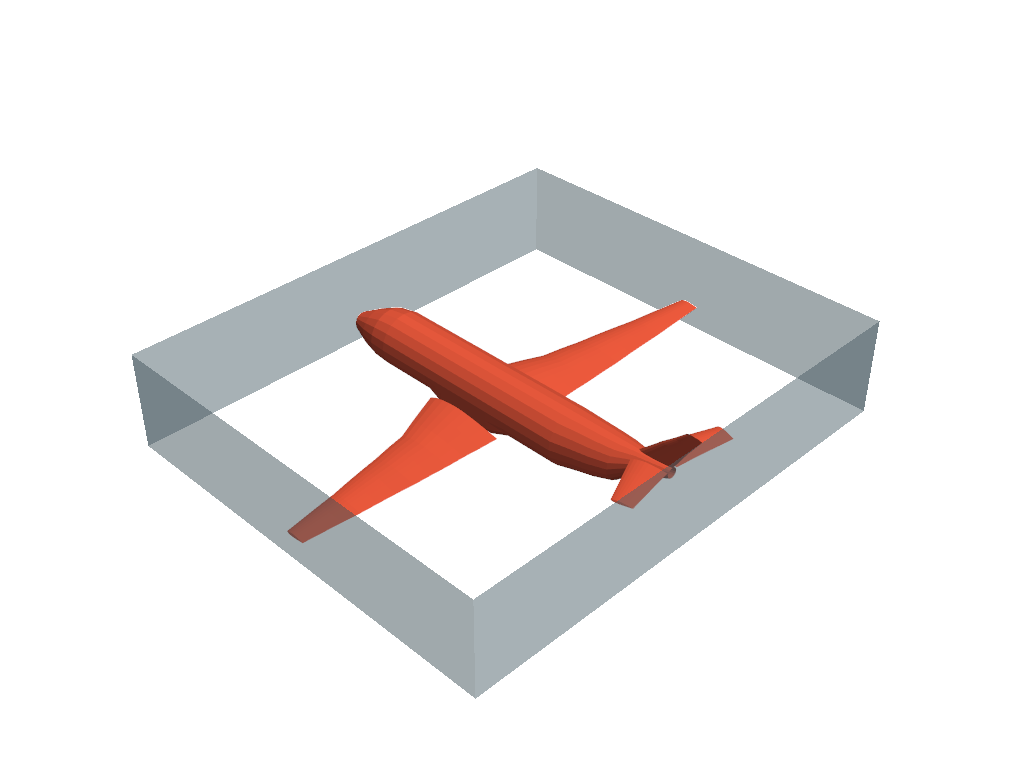
Fit cube faces to a dataset and only plot four of them.
>>> mesh = examples.load_airplane()
>>> cube_faces_source = pv.CubeFacesSource(bounds=mesh.bounds)
>>> output = cube_faces_source.output
>>> pl = pv.Plotter()
>>> _ = pl.add_mesh(mesh, color='tomato')
>>> _ = pl.add_mesh(output['+X'], opacity=0.5)
>>> _ = pl.add_mesh(output['-X'], opacity=0.5)
>>> _ = pl.add_mesh(output['+Y'], opacity=0.5)
>>> _ = pl.add_mesh(output['-Y'], opacity=0.5)
>>> pl.show()
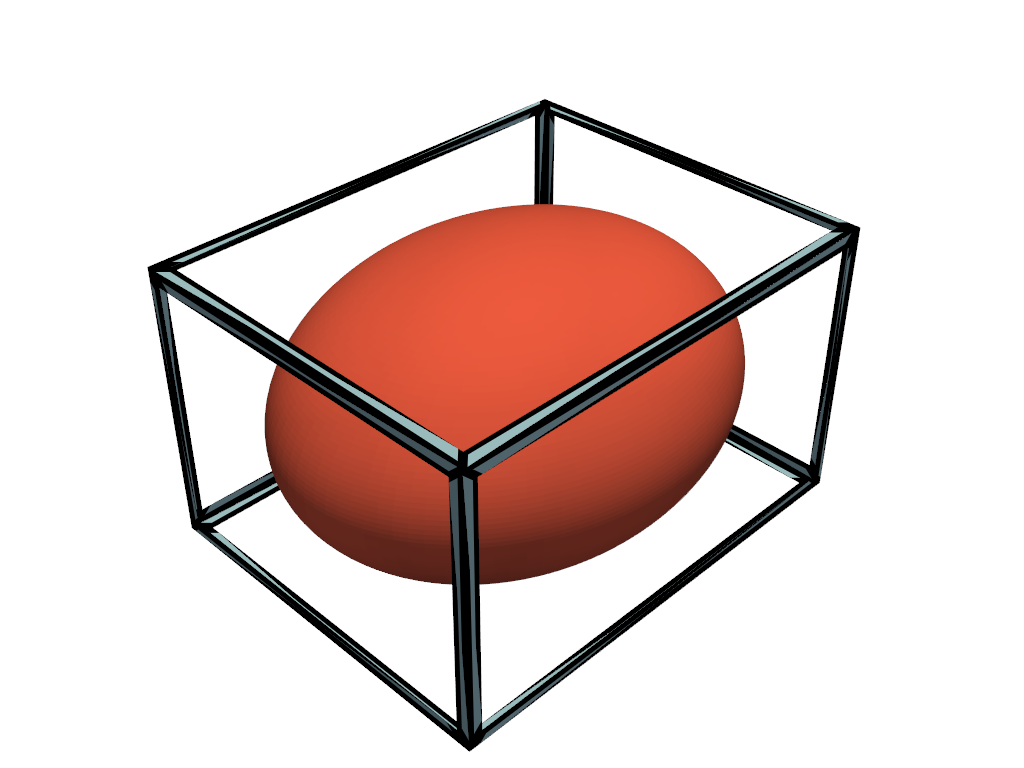
Generate a frame instead of full faces.
>>> mesh = pv.ParametricEllipsoid(5, 4, 3)
>>> cube_faces_source = pv.CubeFacesSource(bounds=mesh.bounds, frame_width=0.1)
>>> output = cube_faces_source.output
>>> pl = pv.Plotter()
>>> _ = pl.add_mesh(mesh, color='tomato')
>>> _ = pl.add_mesh(output, show_edges=True, line_width=10)
>>> pl.show()
Used In#
API Examples
CubeFacesSource.explode_factor(1 use)CubeFacesSource.frame_width(1 use)CubeFacesSource.names(1 use)CubeFacesSource.shrink_factor(1 use)
Inheritance#
Inherited members are documented on CubeSource.
See them all under Inherited Attributes.
Wraps vtkCubeSource.
Attributes#
Push the faces away from (or pull them toward) the cube's center. |
|
Convert the faces into frames with the specified border width. |
|
Return or set the names of the faces. |
|
Get the output of the source. |
|
Shrink or grow the cube's faces. |
Inherited Attributes#
Return or set the bounding box of the cube. |
|
Get the center in |
|
Return or set the dtype of the points this source generates. |
|
Return or set the dtype of the points this source generates. |
|
Get the x length along the cube in its specified direction. |
|
Get the y length along the cube in its specified direction. |
|
Get the z length along the cube in its specified direction. |
Methods#
Update the output of the source. |
