Clip and Cap a Closed Surface#
Download Python source code | Download Jupyter notebook
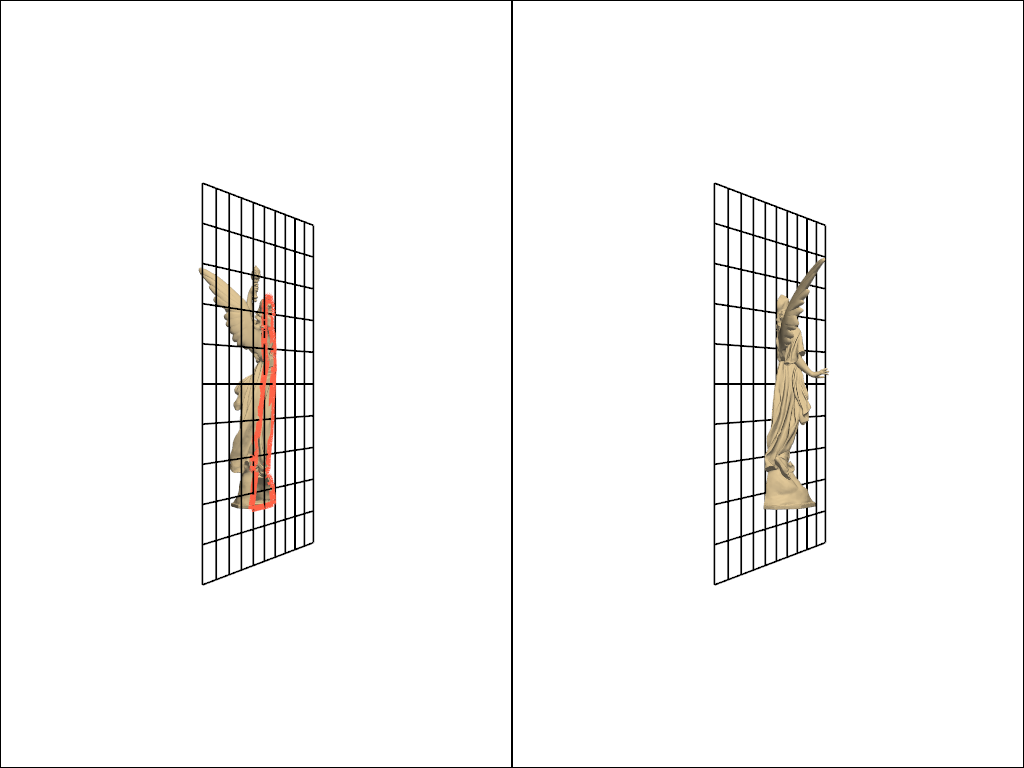
Compare a standard planar clip with clip_closed_surface().
The standard clip leaves an open boundary; clip_closed_surface seals the cut face.
import pyvista as pv
from pyvista import examples
Load a Closed Surface#
The download_lucy() scan is a watertight,
manifold PolyData surface with no open edges.
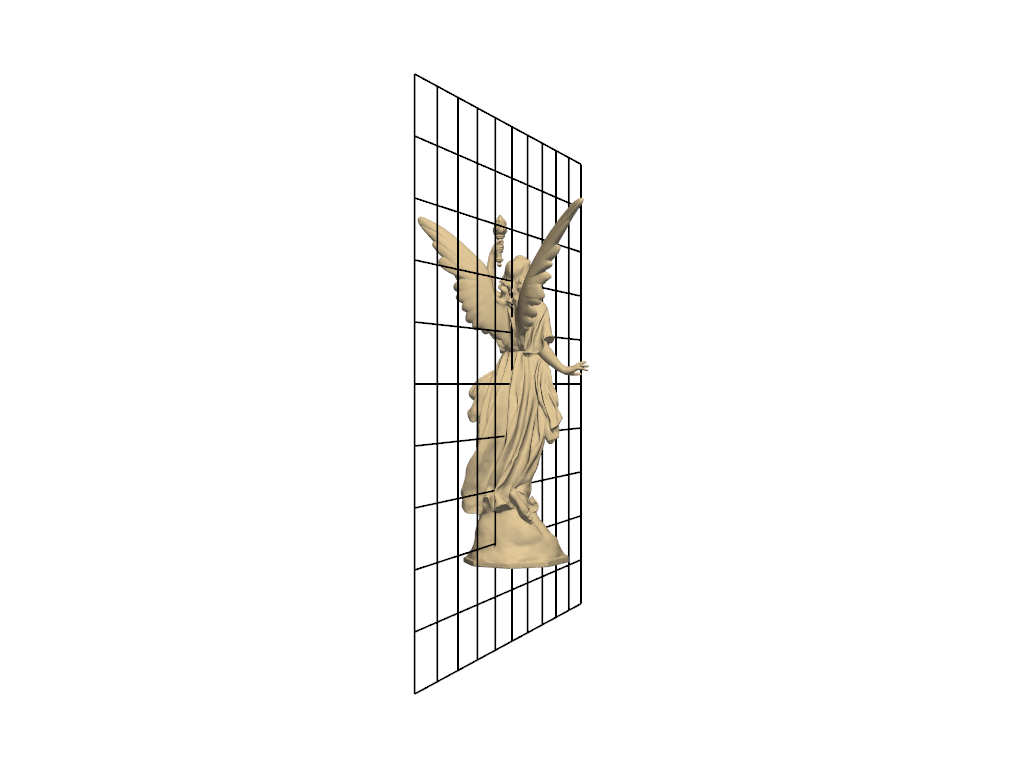
Define an Oblique Cutting Plane#
The same plane is reused for both the open and the closed-surface clip.
plane_origin = surface.center
plane_normal = (1, 0.3, 0)
plane_size = surface.length * 1.2
plane = pv.Plane(
    center=plane_origin, direction=plane_normal, i_size=plane_size, j_size=plane_size
)

pl = pv.Plotter()
pl.add_mesh(surface, color='wheat', smooth_shading=True)
pl.add_mesh(plane, style='wireframe', color='black', line_width=2)
pl.view_xz()
pl.camera.azimuth = 35
pl.show()
Compare an Open Cut to a Capped Cut#
A standard clip leaves a boundary loop along the cut. The closed-surface clip caps that loop with new triangles and stays watertight.
open_clip = surface.clip(normal=plane_normal, origin=plane_origin)
closed_clip = surface.clip_closed_surface(normal=plane_normal, origin=plane_origin)

open_boundary = open_clip.extract_feature_edges(
    boundary_edges=True,
    feature_edges=False,
    manifold_edges=False,
    non_manifold_edges=False,
)

pl = pv.Plotter(shape=(1, 2))
pl.subplot(0, 0)
pl.add_mesh(open_clip, color='wheat', smooth_shading=True)
pl.add_mesh(open_boundary, color='tomato', line_width=6)
pl.add_mesh(plane, style='wireframe', color='black', line_width=2)
pl.view_xz()
pl.camera.azimuth = 35
pl.subplot(0, 1)
pl.add_mesh(closed_clip, color='wheat', smooth_shading=True)
pl.add_mesh(plane, style='wireframe', color='black', line_width=2)
pl.view_xz()
pl.camera.azimuth = 35
pl.link_views()
pl.show()
Confirm That the Capped Result Is Watertight#
The open clip carries hundreds of boundary edges; the capped result has none.
(1082, 0)
Total running time of the script: (0 minutes 0.906 seconds)
