ImageDataFilters.open#
- ImageDataFilters.open(
- kernel_size: int | VectorLike[int] = (3, 3, 3),
- scalars: str | None = None,
- *,
- binary: bool | VectorLike[float] | None = None,
- progress_bar: bool = False,
Perform morphological opening on continuous or binary data.
Opening is an
erosionfollowed by adilation. It is used to remove small objects/noise while preserving the shape and size of larger objects.Added in version 0.47.
- Parameters:
- kernel_size
int|VectorLike[int], default: (3, 3, 3) Determines the size of the kernel along the xyz-axes. Only non-singleton dimensions are opened, for example, a kernel size of
(3, 3, 1)and(3, 3, 3)produce the same result for 2D images.- scalars
str,optional Name of scalars to process. Defaults to currently active scalars.
- binarybool |
VectorLike[float],optional Control if binary opening or continuous opening is used. Refer to
erode()and/ordilate()for details about using this keyword.- progress_barbool, default:
False Display a progress bar to indicate progress.
- kernel_size
- Returns:
pyvista.ImageDataDataset that has been opened.
Notes#
This filter only supports point data. For inputs with cell data, consider
re-meshing the cell data as point data with
cells_to_points()
or resampling the cell data to point data with
cell_data_to_point_data().
Examples#
Download Python source code | Download Jupyter notebook
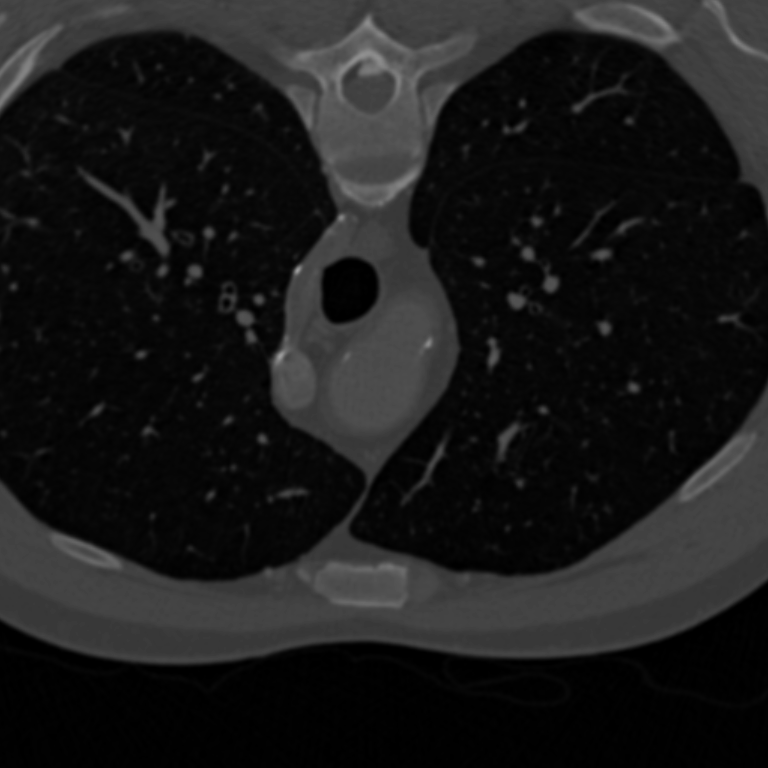
Load a grayscale image download_chest() and show it
for context.
>>> from pyvista import examples
>>> im = examples.download_chest()
>>> clim = im.get_data_range()
>>> kwargs = dict(
...     cmap='grey',
...     clim=clim,
...     lighting=False,
...     cpos='xy',
...     zoom='tight',
...     show_axes=False,
...     show_scalar_bar=False,
... )
>>> im.plot(**kwargs)
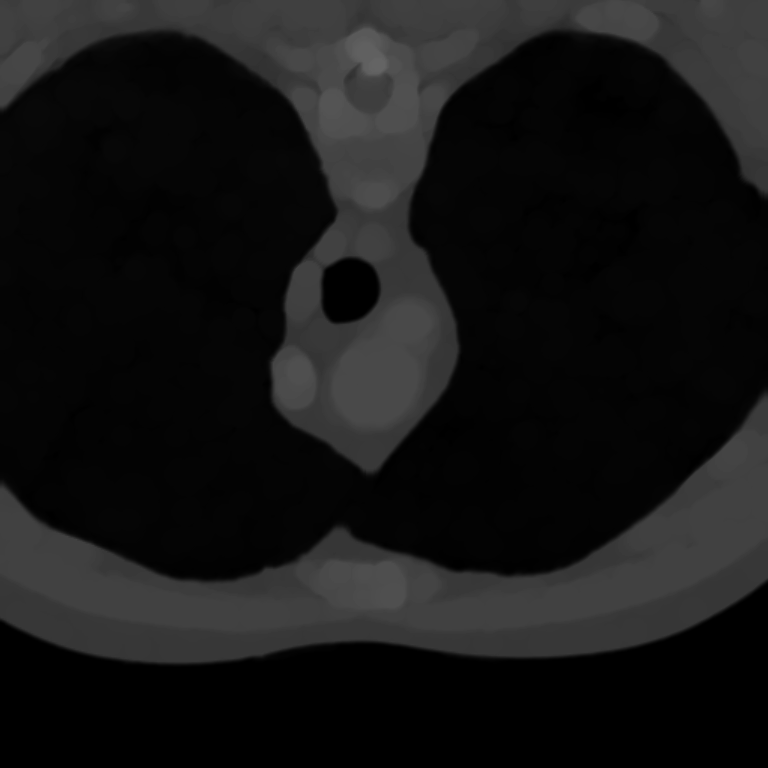
Use open to remove small objects in the lungs.
>>> opened = im.open(kernel_size=15)
>>> opened.plot(**kwargs)
See Also#
Used In#
API Examples
ImageDataFilters.close(1 use)
