DataObjectFilters.slice#
- DataObjectFilters.slice(
- normal: VectorLike[float] | _NormalsLiteral | None = None,
- origin: VectorLike[float] | None = None,
- generate_triangles: bool = False,
- contour: bool = False,
- progress_bar: bool = False,
- plane: PolyData | None = None,
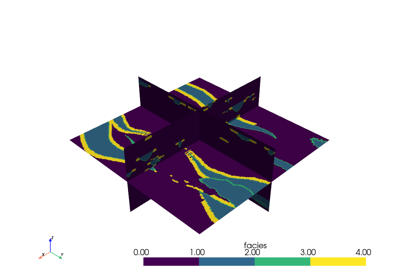
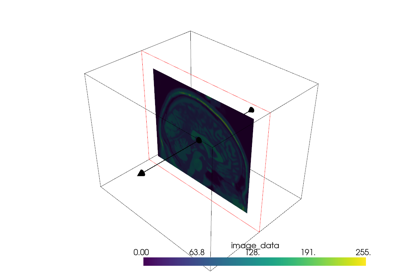
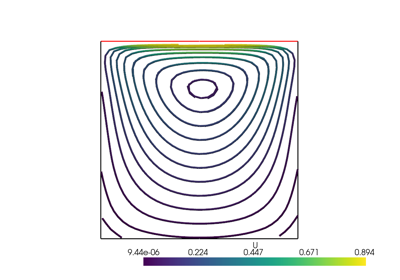
Slice a dataset by a plane at the specified origin and normal vector orientation.
The origin and normal may be set explicitly or implicitly using a
Plane().If no parameters are given, the slice will occur in the center of the dataset along the x-axis.
Changed in version 0.49: Axis-aligned planes through an
ImageDatawith an identitydirection_matrixare sliced directly instead of with vtkCutter. The points and cells are ordered differently, and integer point data interpolated across a cell can differ from the cutter’s by one unit. Useslice_implicit()withgenerate_plane()for the cutter’s output.- Parameters:
- normal
VectorLike[float] |str,optional Length-3 vector for the normal vector direction. Can also be specified as a string conventional direction such as
'x'for(1, 0, 0)or'-x'for(-1, 0, 0), etc. The'x'direction is used by default.- originsequence[
float],optional The center
(x, y, z)coordinate of the plane on which the slice occurs. The default is the center of the dataset.- generate_trianglesbool, default:
False If this is enabled (
Falseby default), the output will be triangles. Otherwise the output will be the intersection polygons.Note
PyVista’s default is
False, which differs from vtkCutter’s default ofTrue. The polygon codepath in vtkCutter is significantly slower than the triangulation path: on a 1.3M-cell UnstructuredGrid the polygon path measures ~89 ms/op vs ~20 ms/op withgenerate_triangles=True(~5x slowdown). Passgenerate_triangles=Truefor the fast path when the output cell shape is not load-bearing for your downstream code. This does not apply to the axis-alignedImageDataslices described below, which do not use vtkCutter and are fastest with the defaultFalse.- contourbool, default:
False If
True, apply acontourfilter after slicing.- progress_barbool, default:
False Display a progress bar to indicate progress.
- plane
PolyData,optional Plane()mesh to use for slicing. Use this as an alternative to settingoriginandnormal. The mean of the plane’s normal vectors is used for thenormalparameter and the mean of the plane’s points is used for theoriginparameter.Added in version 0.47.
- normal
- Returns:
pyvista.PolyData|pyvista.MultiBlockSliced dataset. Every dataset gives a
PolyData, and aMultiBlockgives aMultiBlockofPolyDatablocks, nested blocks included.
Notes#
An axis-aligned plane through an ImageData with an identity
direction_matrix is sliced directly into quads, with
point data interpolated between the two neighbouring grid planes. All other
inputs use vtkCutter.
A PointSet has no cells to slice, so slicing one directly
raises PointSetDimensionReductionError. As a block of a
MultiBlock it gives an empty block instead.
Examples#
Download Python source code | Download Jupyter notebook
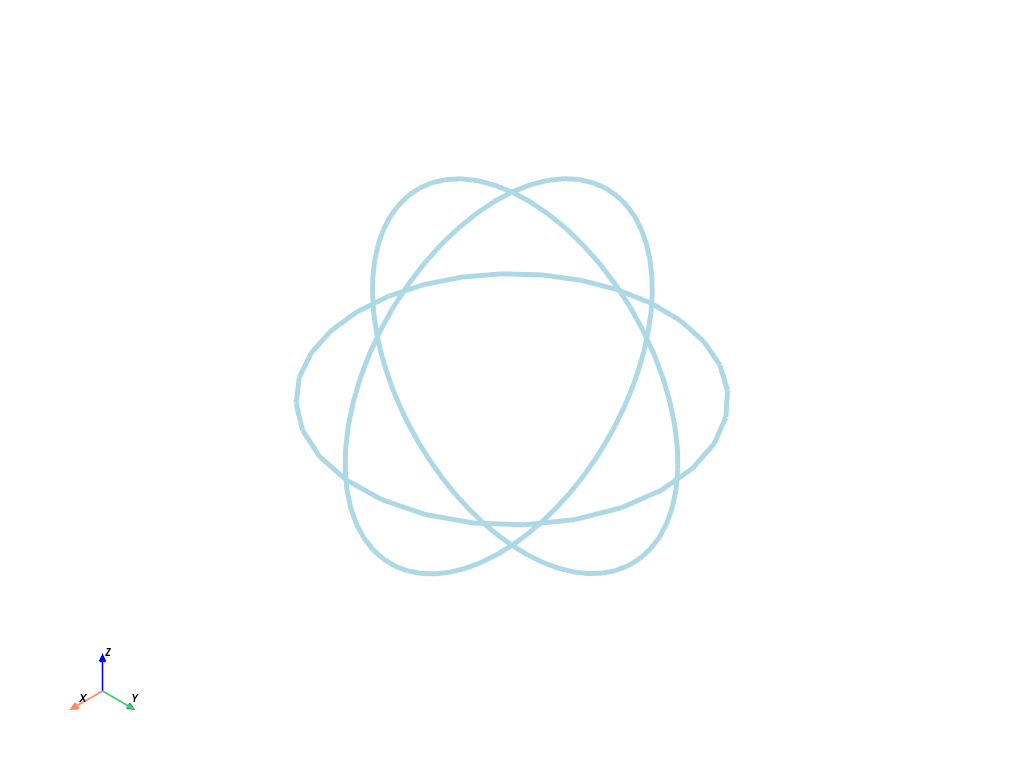
Slice the surface of a sphere.
>>> import pyvista as pv
>>> sphere = pv.Sphere()
>>> slice_x = sphere.slice(normal='x')
>>> slice_y = sphere.slice(normal='y')
>>> slice_z = sphere.slice(normal='z')
>>> slices = slice_x + slice_y + slice_z
>>> slices.plot(line_width=5)
See Also#
Used In#
Guides
- API Reference (1 use)
Docstring Examples
DataSetFilters.voxelize_binary_mask(3 uses)Plotter.add_line_widget(1 use)Plotter.add_plane_widget(1 use)PolyDataFilters.strip(1 use)VTKDataSetReader(1 use)5 more
WidgetComponent.add_line_widget(1 use)WidgetComponent.add_plane_widget(1 use)XMLRectilinearGridReader(1 use)download_brain_atlas_with_sides(1 use)download_openfoam_tubes(1 use)
Gallery Examples