DataObjectFilters.slice_implicit#
- DataObjectFilters.slice_implicit(
- implicit_function: vtkImplicitFunction,
- generate_triangles: bool = False,
- contour: bool = False,
- progress_bar: bool = False,
Slice a dataset by a VTK implicit function.
- Parameters:
- implicit_functionvtkImplicitFunction
Specify the implicit function to perform the cutting.
- generate_trianglesbool, default:
False If
True, the output will be triangles. Otherwise the output will be the intersection polygons. If the cutting function is not a plane, the output will be 3D polygons, which might be nice to look at but hard to compute with downstream.Note
PyVista’s default is
False, which differs from vtkCutter’s default ofTrue. The polygon codepath in vtkCutter is significantly slower than the triangulation path: on a 1.3M-cell UnstructuredGrid the polygon path measures ~89 ms/op vs ~20 ms/op withgenerate_triangles=True(~5x slowdown). Passgenerate_triangles=Truefor the fast path when the output cell shape is not load-bearing for your downstream code.- contourbool, default:
False If
True, apply acontourfilter after slicing.- progress_barbool, default:
False Display a progress bar to indicate progress.
- Returns:
pyvista.PolyDataSliced dataset.
Examples
Slice the surface of a sphere.
>>> import pyvista as pv
>>> import vtk
>>> sphere = vtk.vtkSphere()
>>> sphere.SetRadius(10)
>>> mesh = pv.Wavelet()
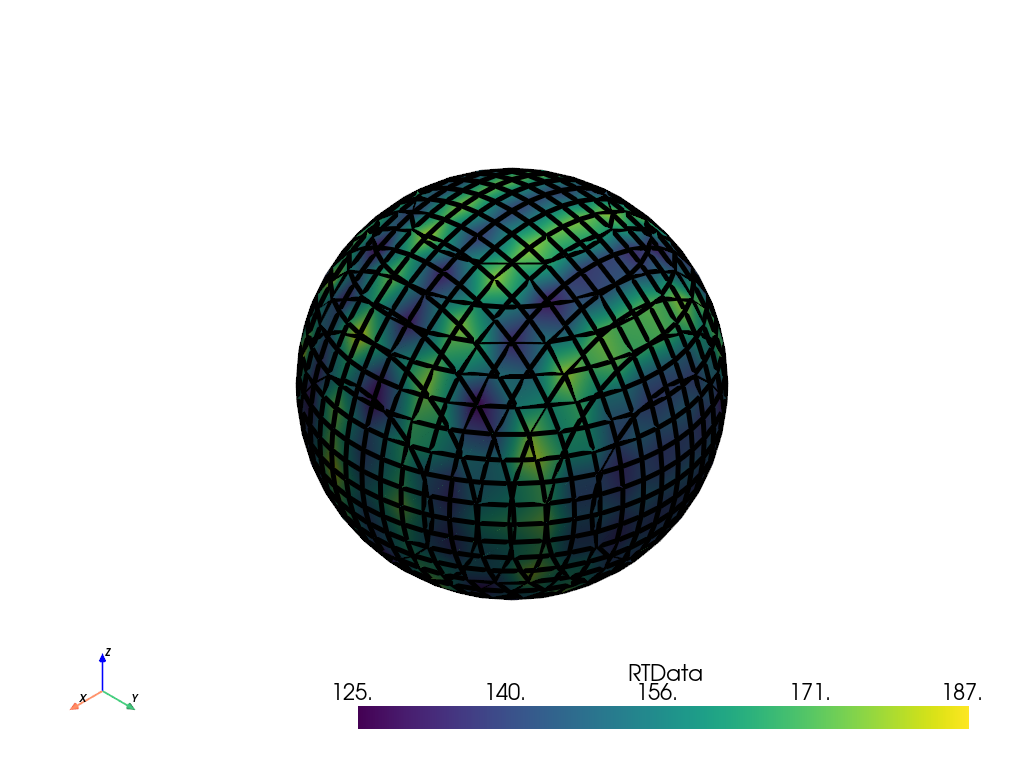
>>> slice = mesh.slice_implicit(sphere)
>>> slice.plot(show_edges=True, line_width=5)
>>> cylinder = vtk.vtkCylinder()
>>> cylinder.SetRadius(10)
>>> mesh = pv.Wavelet()
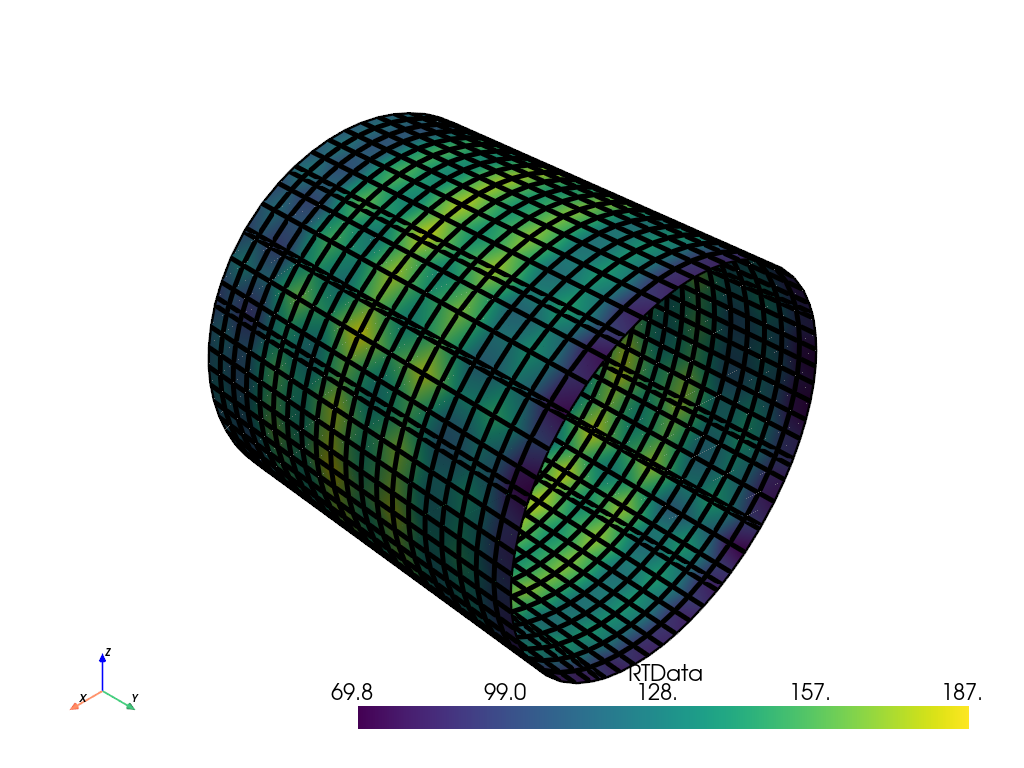
>>> slice = mesh.slice_implicit(cylinder)
>>> slice.plot(show_edges=True, line_width=5)